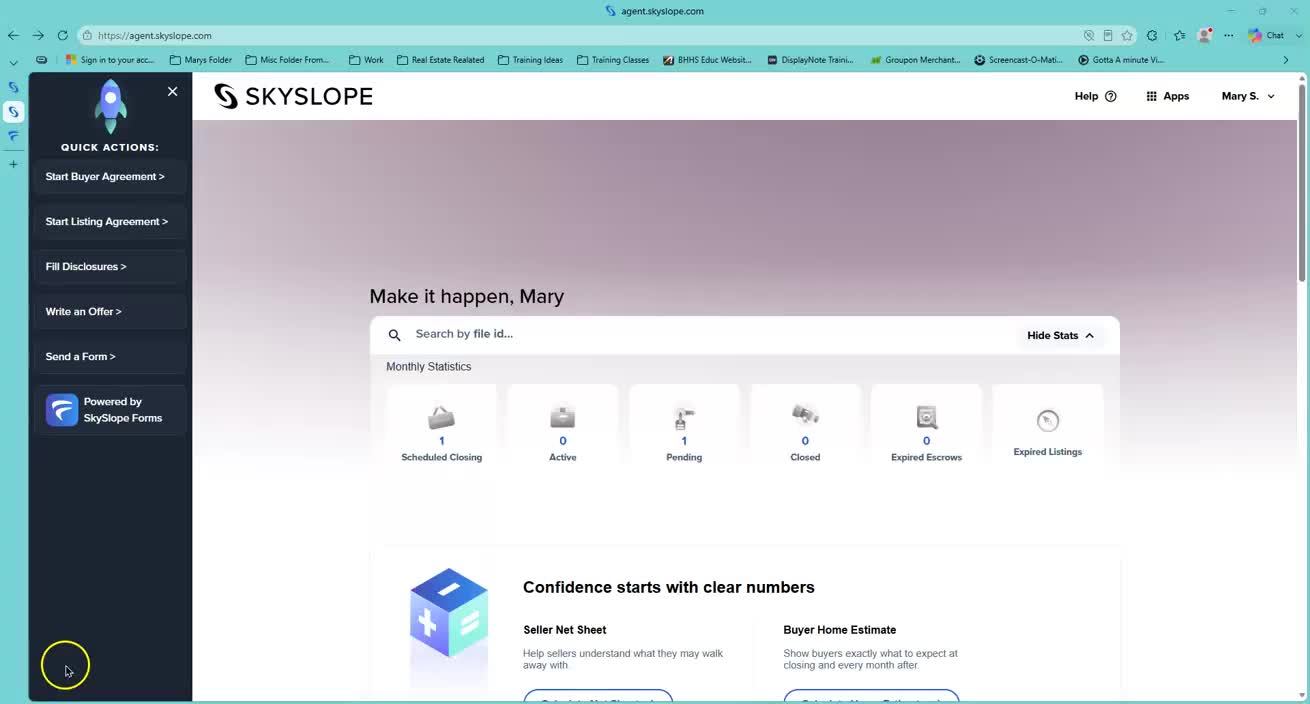
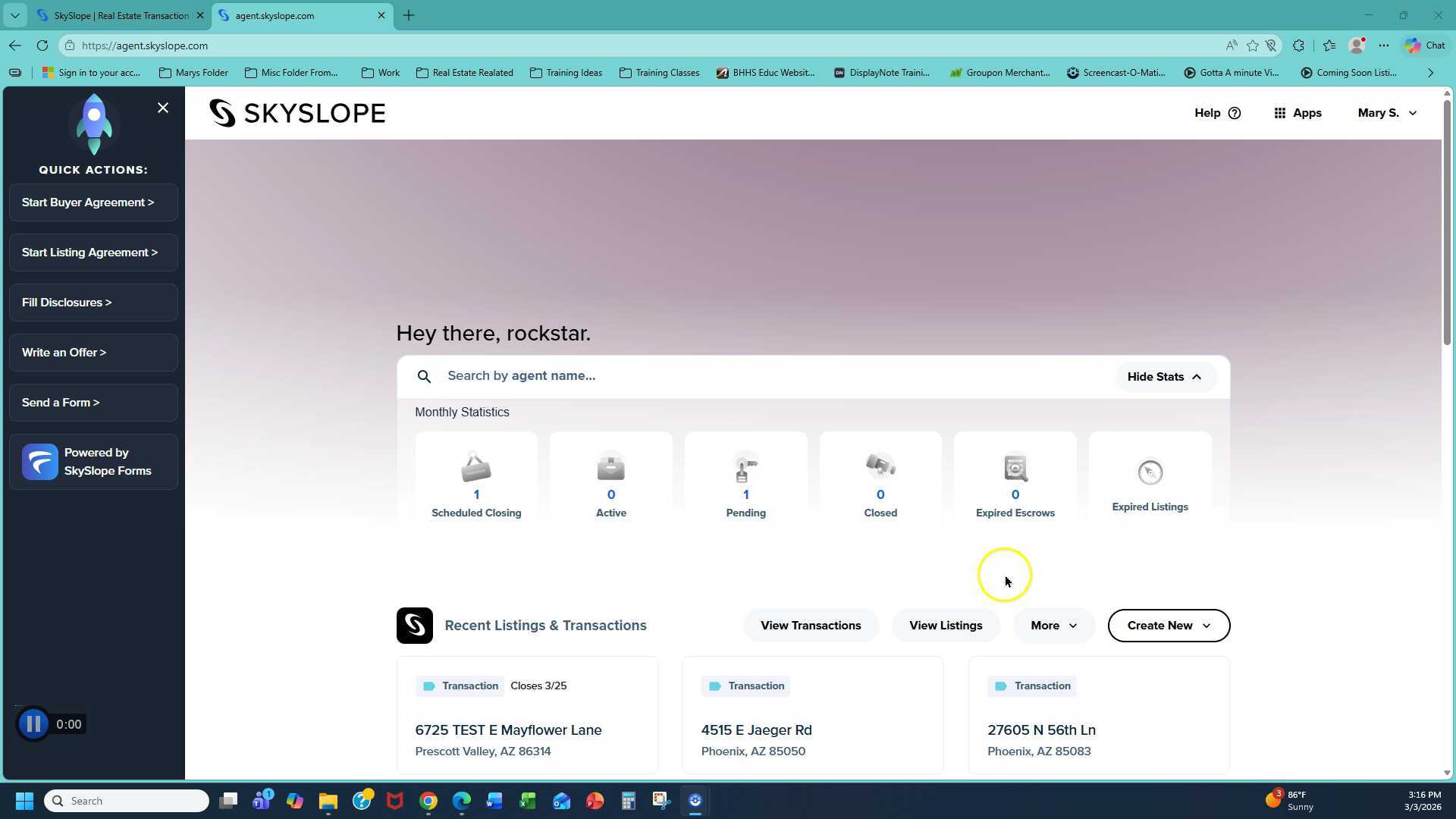
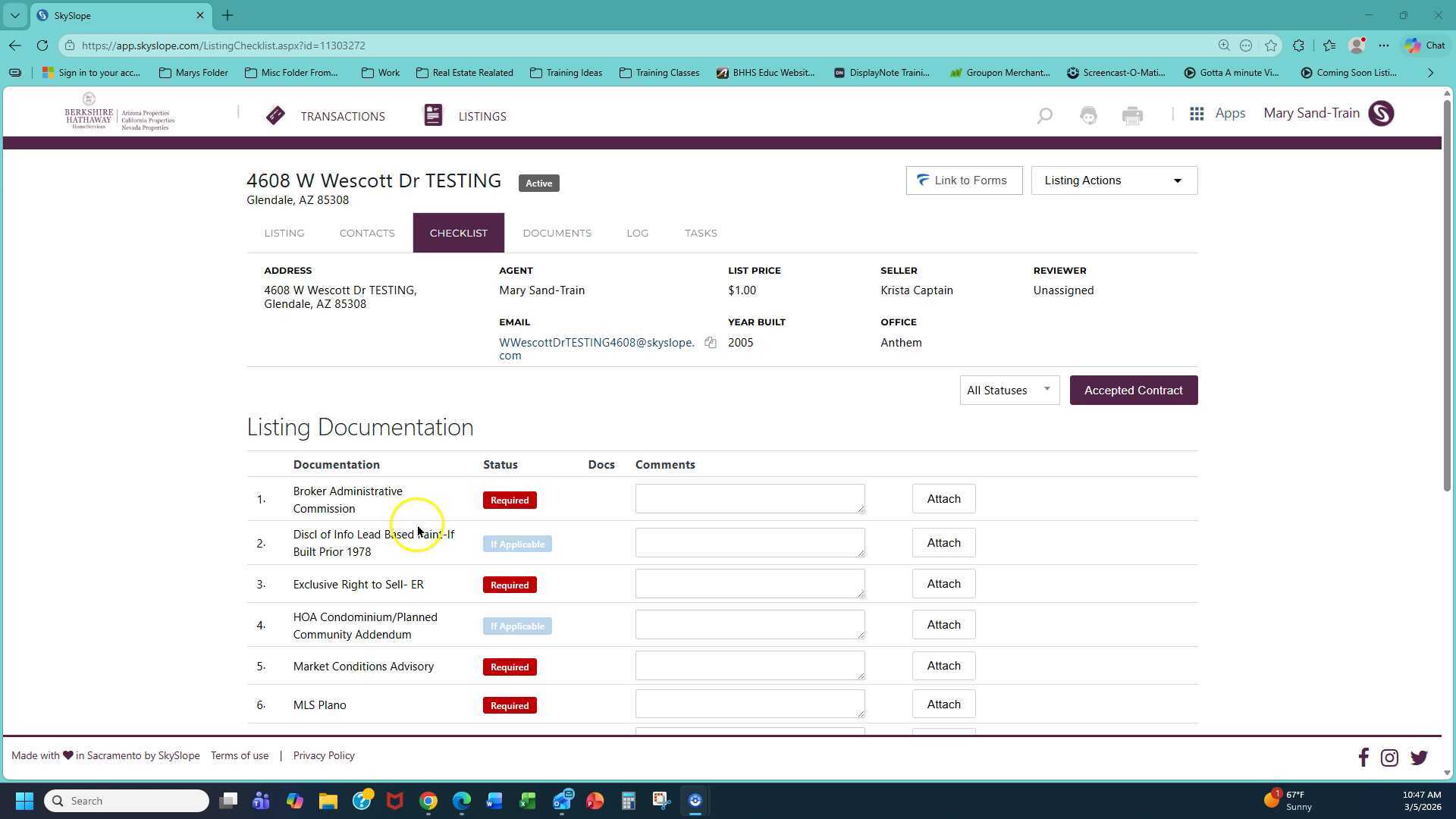
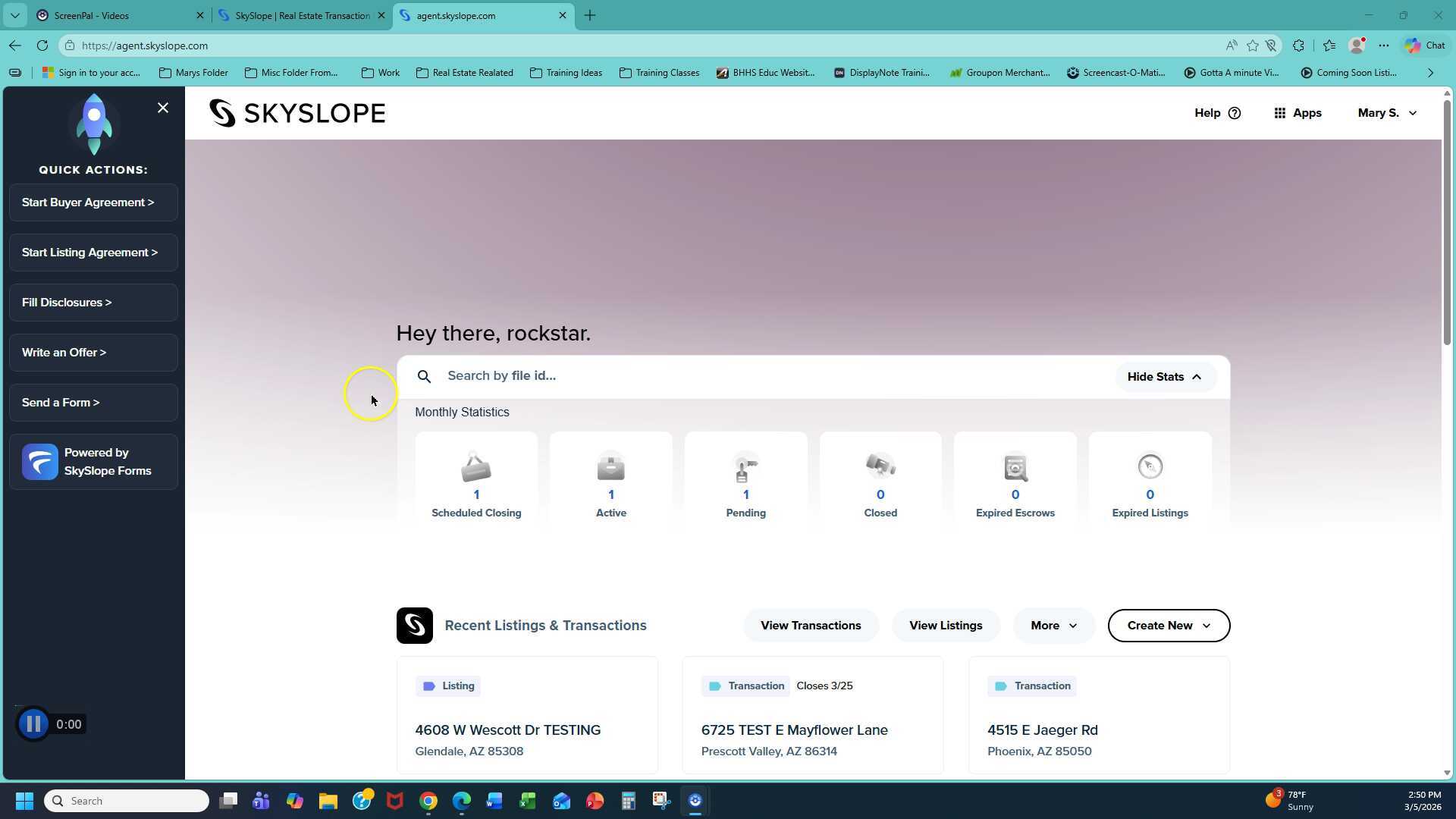
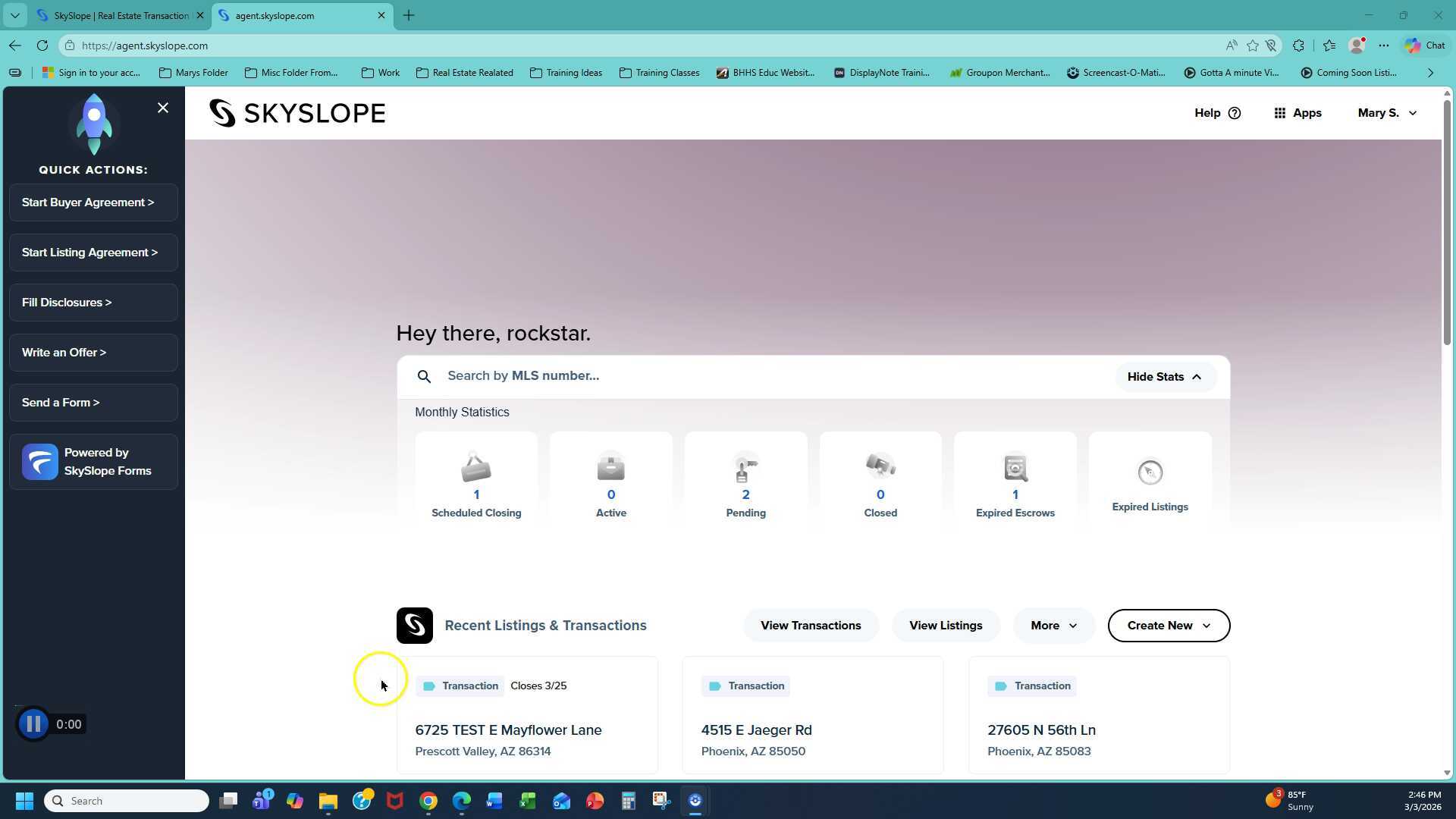
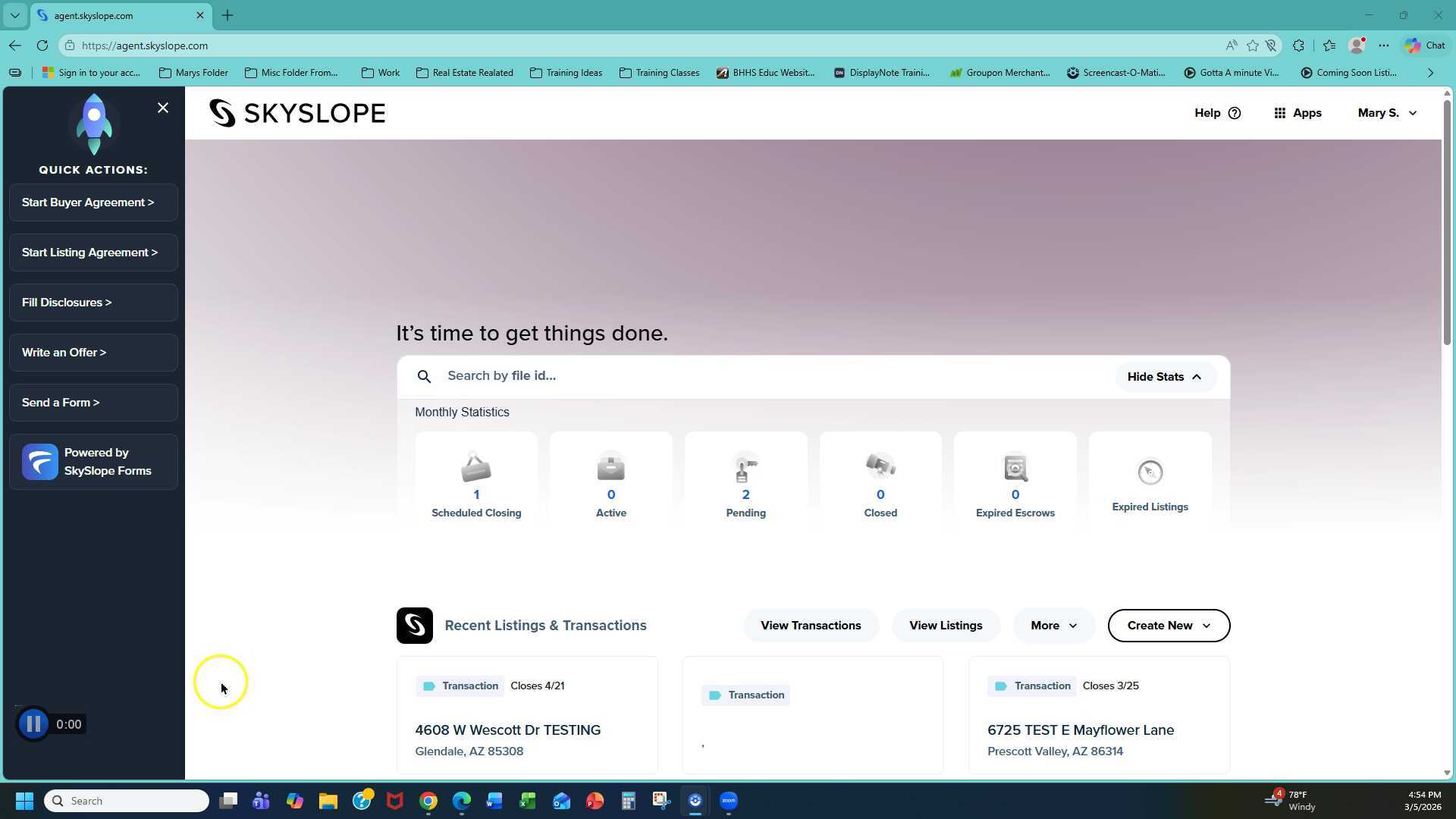
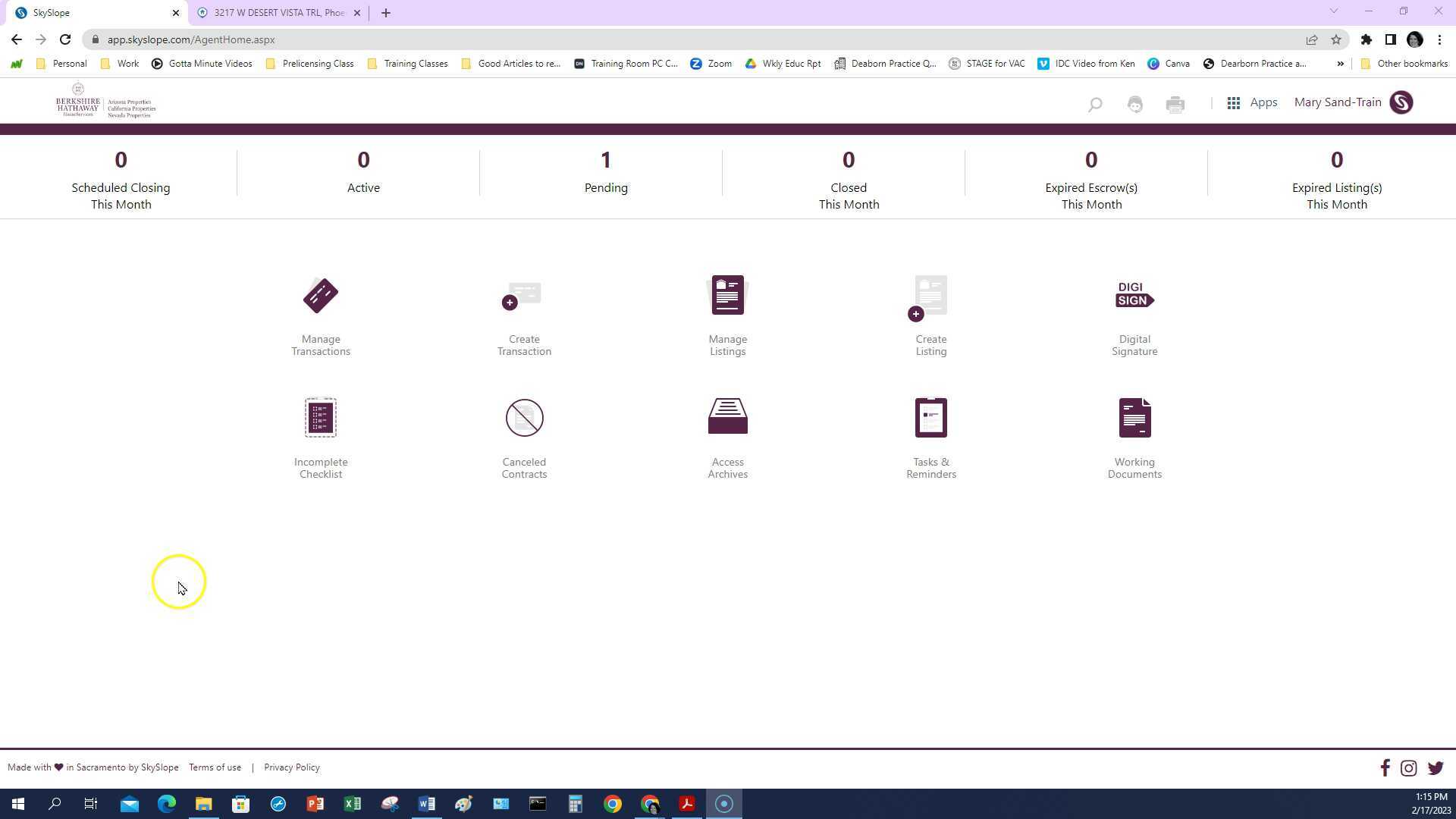
Add a new listing in Skyslope
< Back

14 Skyslope Videos

Skyslope tips, add a new listing, convert a listing, add a new contract, upload documents and more
  • Add a new listing in Skyslope

    03:39

    This video provides a step-by-step guide on how to create a new listing in Skyslope for a real estate transaction. It covers everything from selecting the office location to entering property details and seller information.

    Add a new listing in Skyslope

    AI wand icon
    Transcript translations are generated by AI.
    Please excuse mistakes in translation.
    timeline icon timeline icon timeline icon timeline icon
    Timeline
    Use the AI button above to generate, or click below to upload your own captions.
    AI transcript unavailable. Click below to upload your own captions.
    Click below to upload your own captions.

    Captions and Chapters
    Select a language then choose an option below to upload captions, chapters or add them manually.

    Uploaded
    0:00
    Chapter marker
    0:05
    0:10
    Chapter marker
    0:15
    0:20
    0:25
    Chapter marker
    0:30
  • Upload Listing Docs to Skyslope File

    03:43

    Upload Listing Docs to Skyslope File

  • Convert your Listing to Under Contract

    06:00

    Convert your Listing to Under Contract

  • Cancel Transaction in Skyslope

    01:30

    Cancel Transaction in Skyslope

  • Ways to Upload Documents to a Transaction

    08:25

    This video provides a step-by-step guide on how to upload various documents in a real estate transaction, from earnest money receipts to purchase contracts. It covers multiple methods of uploading documents and assigning them to the appropriate placeholders in the checklist.

    Ways to Upload Documents to a Transaction

    AI wand icon
    Transcript translations are generated by AI.
    Please excuse mistakes in translation.
    timeline icon timeline icon timeline icon timeline icon
    Timeline
    Use the AI button above to generate, or click below to upload your own captions.
    AI transcript unavailable. Click below to upload your own captions.
    Click below to upload your own captions.

    Captions and Chapters
    Select a language then choose an option below to upload captions, chapters or add them manually.

    Uploaded
    0:00
    Chapter marker
    0:05
    0:10
    Chapter marker
    0:15
    0:20
    0:25
    Chapter marker
    0:30
  • Skyslope Create Transaction

    09:08

    Skyslope Create Transaction

  • Add a new listing in Skyslope
  • Upload Listing Docs to Skyslope File
  • Convert your Listing to Under Contract
  • Cancel Transaction in Skyslope
  • Ways to Upload Documents to a Transaction
  • Skyslope Create Transaction